Gemhold
Gemhold: Complete Game Guide
A Gemhold guide to mining gems, building your crew, upgrading the Forge and competing for weekly KEPI and Dragon Essence rewards.
Gemhold Overview
Gemhold is a seasonal idle mining game. Tap the gem-covered rock to collect gems, hire a crew to produce more automatically, and improve your mining tools and workers in the Forge.
Your gem balance is both your spending resource and your leaderboard score. Build production early, then turn that income into a strong finishing balance before the weekly season ends.
Getting Started
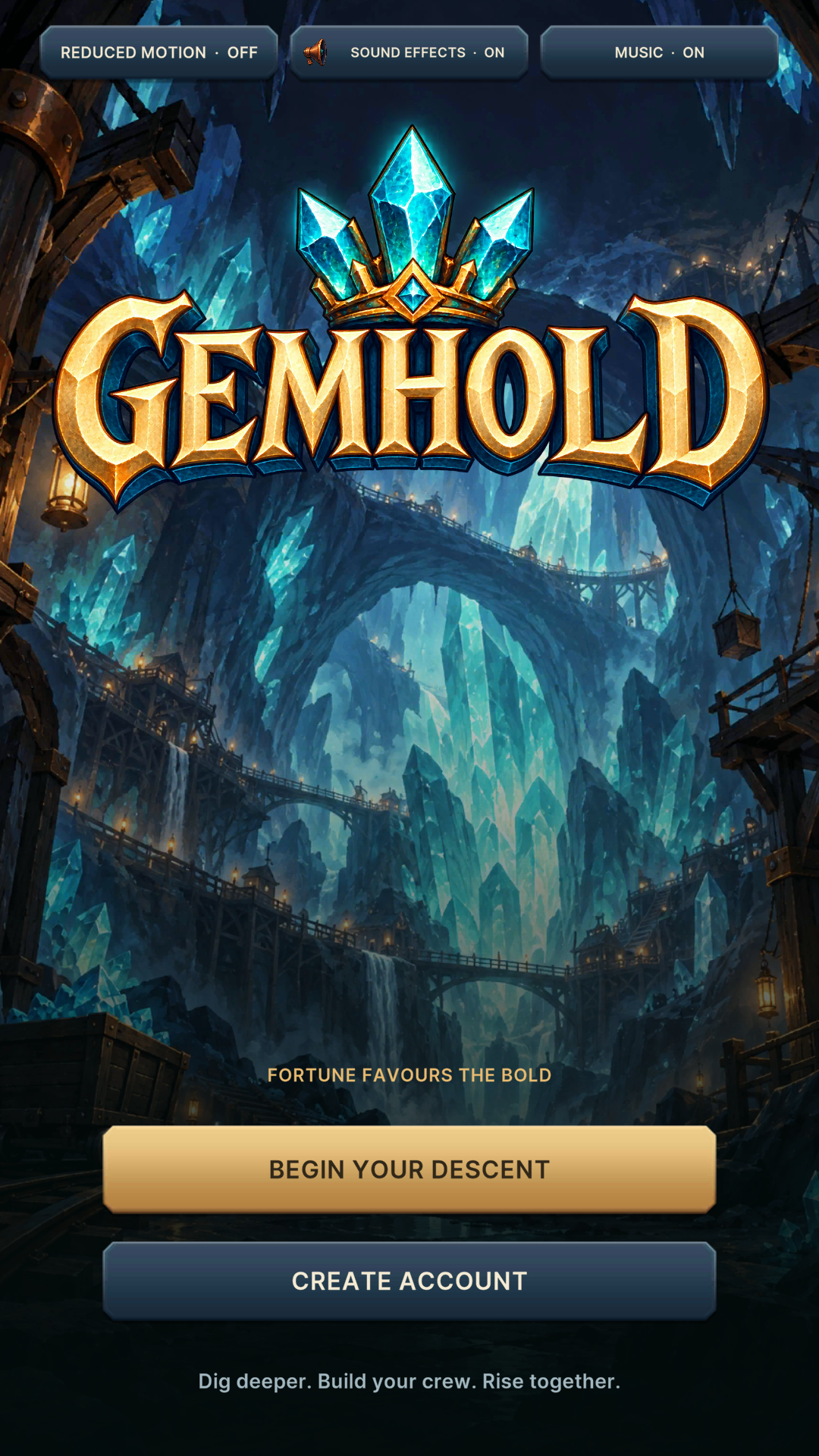
- Log in or create an account. Follow the introduction to find your way around.
- Open Mine. Tap the rock repeatedly to fill the mining meter and collect gems.
- Visit Crew. Recruit your first Prospector to start automatic production.
- Open Forge. Upgrade your mining tools and the crew you already own.
- Complete adverts. Build your seasonal production bonus and progress towards prize qualification.
- Check Rewards. Follow your rank, qualification progress and the season countdown.
Mine: Active Mining and Clicks
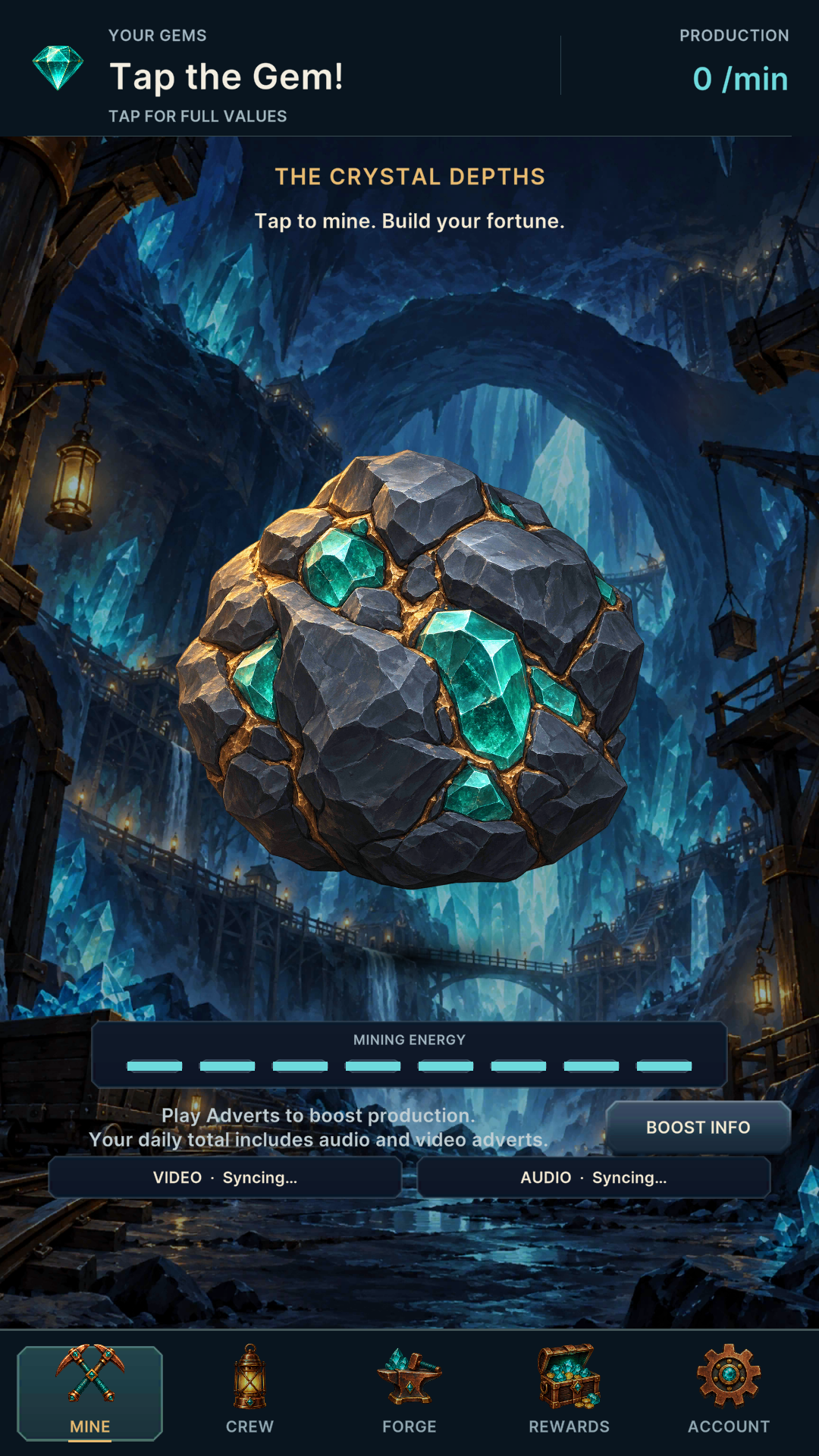
Each tap fills the mining meter; a single tap does not award gems. Completing a mining cycle spends one stored click and collects gems. Mining upgrades increase the amount collected per completed cycle.
- 10 stored clicks recover every five minutes.
- You can store up to 3,000 clicks.
- When your clicks run out, active mining pauses but your crew keeps producing gems.
- Tap the top balance bar to see your full gem balance and production figures rather than shortened numbers.
Use stored clicks regularly so you leave room for future refills.
Crew: Recruiting Workers
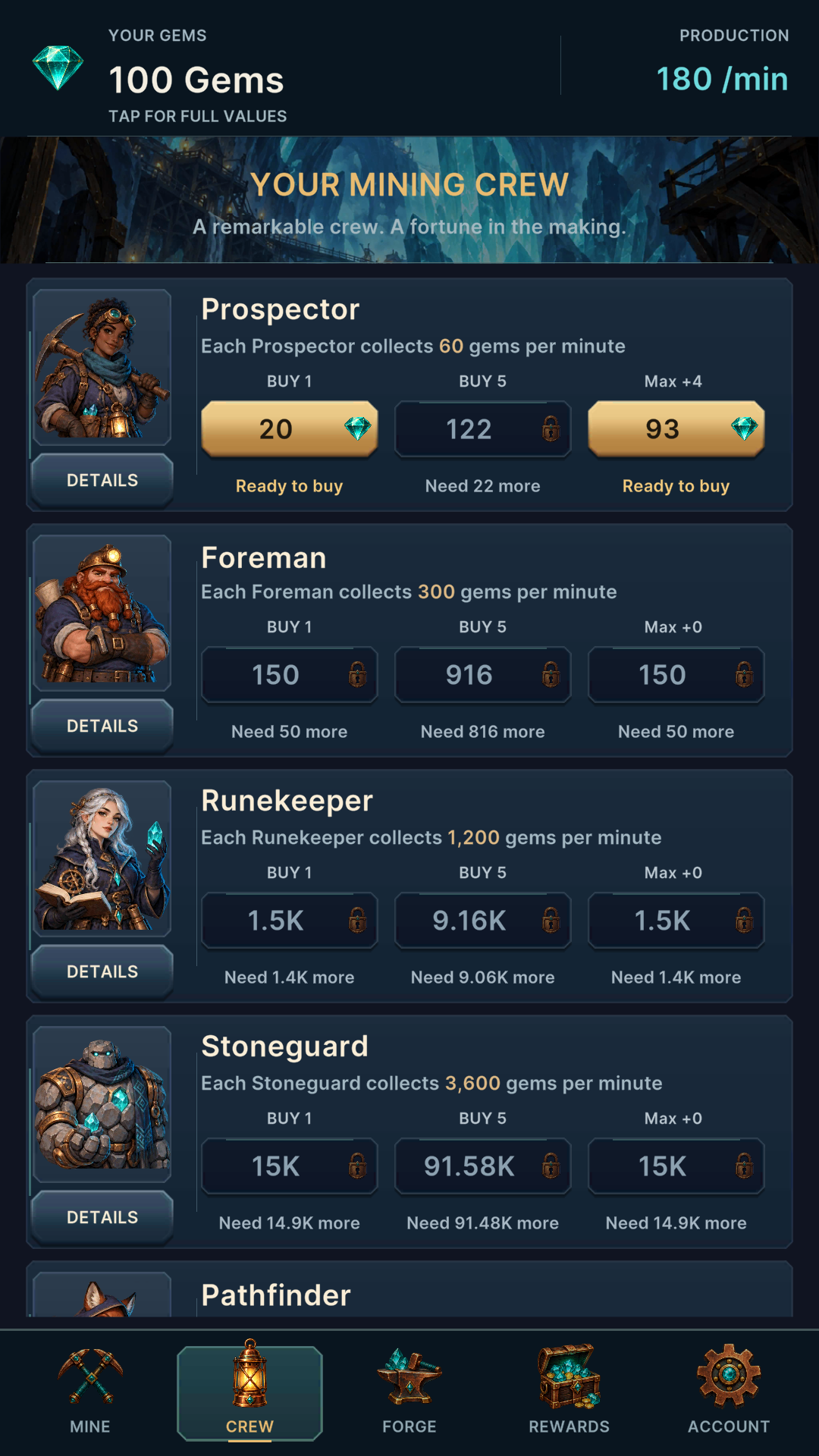
Crew members generate gems automatically once per minute, including while you are away. Later workers cost more but provide substantially higher base production.
| Worker | Base gems per minute |
|---|---|
| Prospector | 60 |
| Foreman | 300 |
| Runekeeper | 1,200 |
| Stoneguard | 3,600 |
| Pathfinder | 7,500 |
| Alchemist | 15,000 |
| Wyrmling | 30,000 |
| Deepdelver | 60,000 |
| Artificer | 240,000 |
Each additional copy costs more than the last. The three purchase buttons let you buy 1, 5, or the affordable batch shown by Max. Check the displayed quantity and cost before buying.
Details opens a preview of the cost and estimated production gain for each purchase option without spending gems. A Need … more message shows how far you are from affording it. Wait for a pending purchase to finish before trying again.
Forge: Production Upgrades
The Forge separates active-mining improvements from crew improvements:
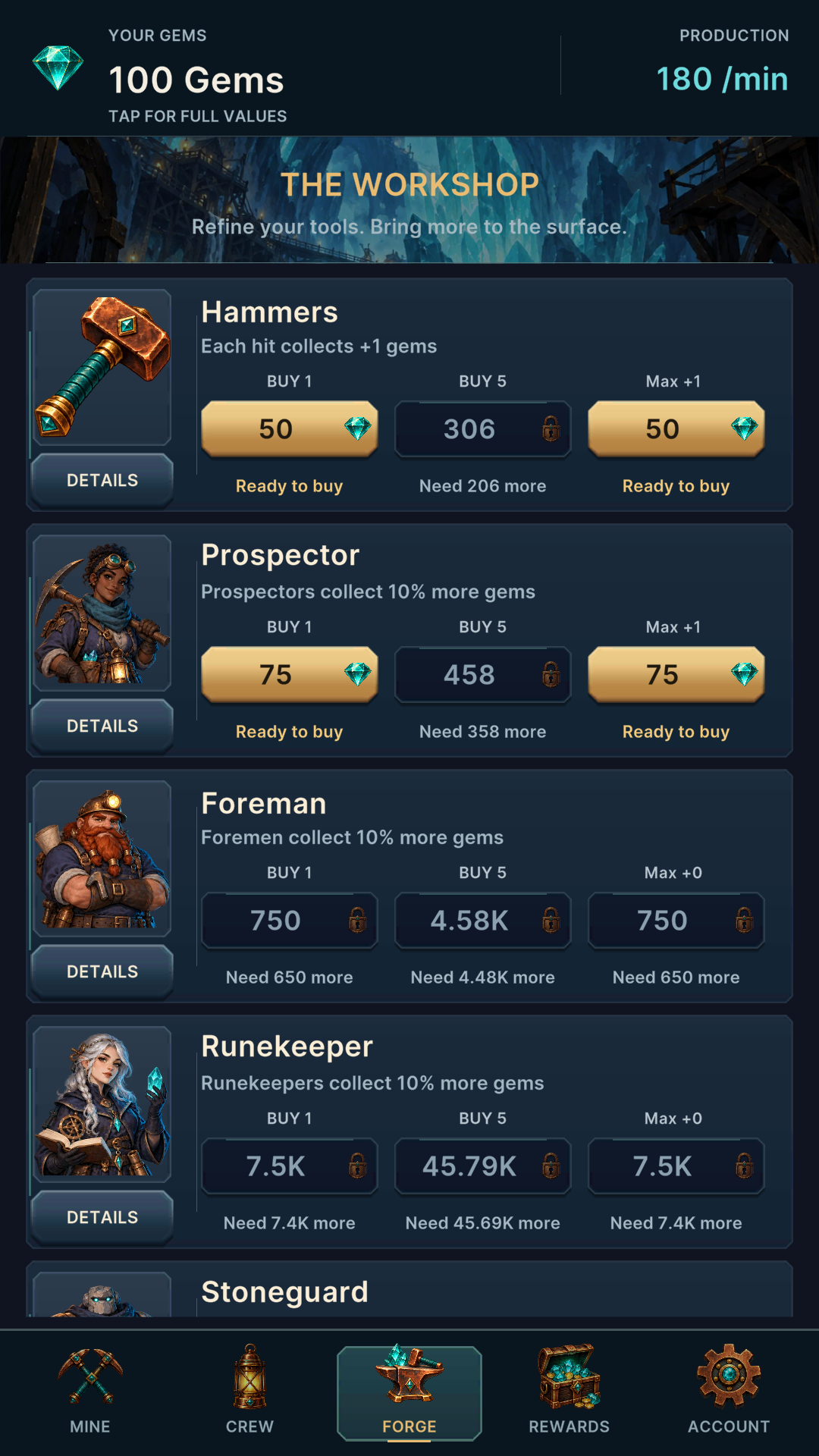
- Mining tools (Hammers) increase gems per completed mining cycle. The starting value is 10 gems; each upgrade adds 4.
- Crew upgrades add 10% of that worker's base production per level, for every copy you own.
- Buy 1, Buy 5 and Max work like the Crew purchase controls, with costs increasing as you buy more levels.
- Details lets you compare the cost and estimated improvement before purchasing.
Crew upgrade levels add together. One Prospector produces 60 gems per minute before bonuses; one Prospector upgrade adds 6 gems per minute for every Prospector you own.
Owned Dragons can also boost automatic production. Check the Dragons bonus displayed in the Forge and read the Dragon Essence guide for more about Dragons.
Adverts, Offers and Production Boosts
Use the optional Video and Audio advert buttons on Mine to build a production bonus for the rest of the season:
- Each confirmed audio advert adds 0.2 percentage points to the seasonal production bonus.
- Each confirmed video advert adds 0.8 percentage points.
- Bonuses add together rather than compounding after each advert. They boost your crew's production; recruit workers to benefit.
- Each confirmed completion also counts towards the season's advert requirement.
Boost Info on Mine explains the bonus. Wait for confirmation before treating an advert as credited. If a completion is saved while your connection is interrupted, reconnect and allow it to finish confirming.
Daily limits and availability apply. If an advert is unavailable, try again later. Keep the game open during audio playback so the advert can finish.
The Offers option opens available partner activities. Read each offer's instructions and eligibility terms before starting, and check your credited progress afterwards.
Rewards: Weekly Seasons, Rankings and Prizes
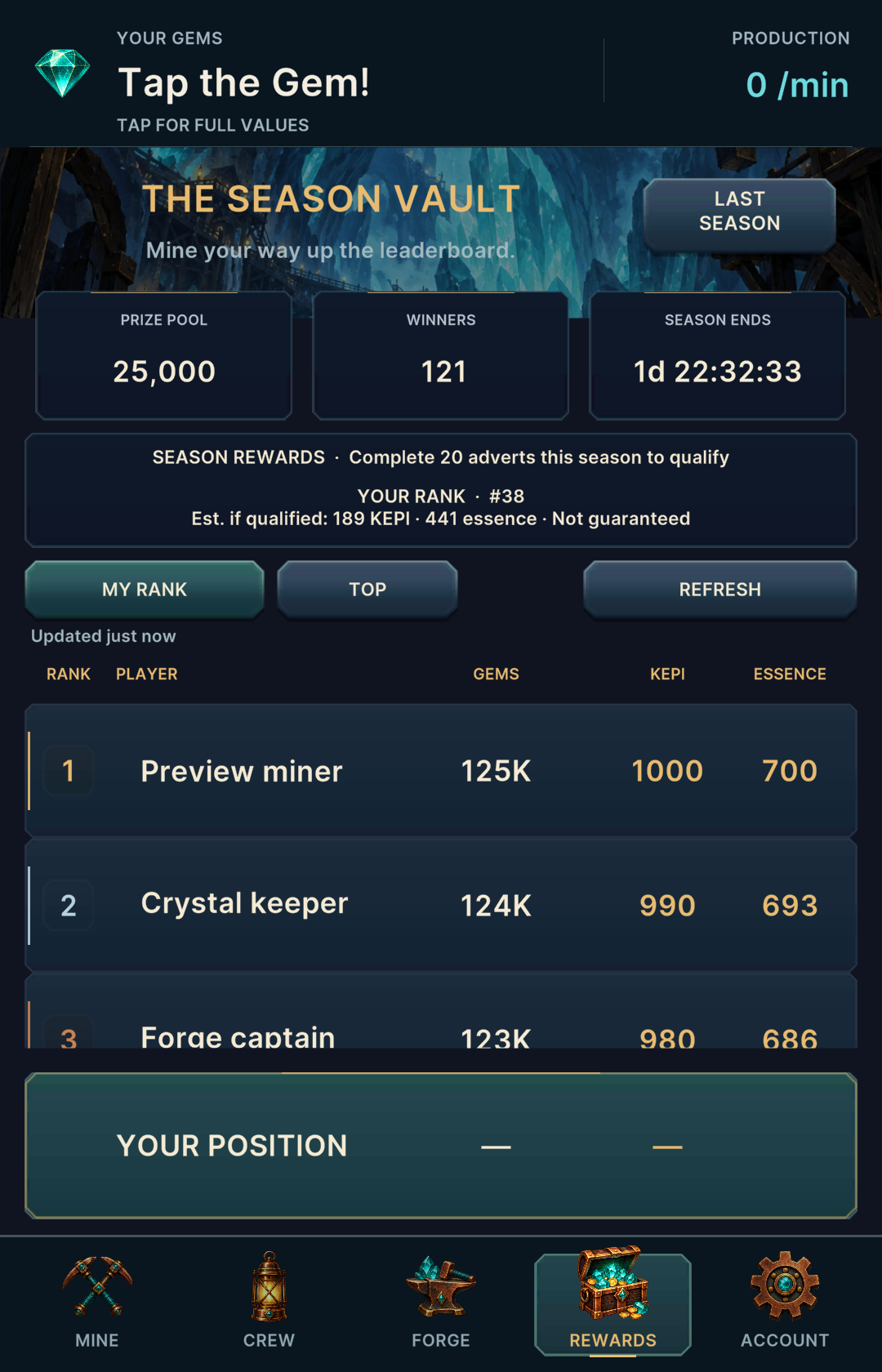
Weekly seasons normally finish on Friday at 12:00 UTC, with the next season starting shortly afterwards. Check the Season Ends countdown in Rewards for the deadline.
Your rank is based on your current gem balance, not all the gems you have ever mined. Spending gems reduces that balance while improving your future production.
Complete 20 qualifying adverts during the season to qualify for a ranked prize. A high rank alone does not qualify you; check your completion progress too.
The leaderboard shows KEPI and Dragon Essence rewards. Projected amounts can change before the season finishes and are not guaranteed prizes.
- My Rank jumps to your position.
- Top returns to the leading players.
- Refresh updates the standings.
- Last Season shows the previous season's published results.
What Resets?
- Your gem balance and recruited crew.
- Mining-tool and crew upgrades.
- Seasonal advert-production boosts and advert qualification progress.
- Your stored mining clicks reset to the new season's starting supply.
What Do You Keep?
- Your KEPI balance.
- Your Dragon Essence.
- Your owned Dragons.
Open Account → Season Recap to review the season information. A prize shown in a recap has already been credited; there is no extra claim to make.
Account, Settings and Help
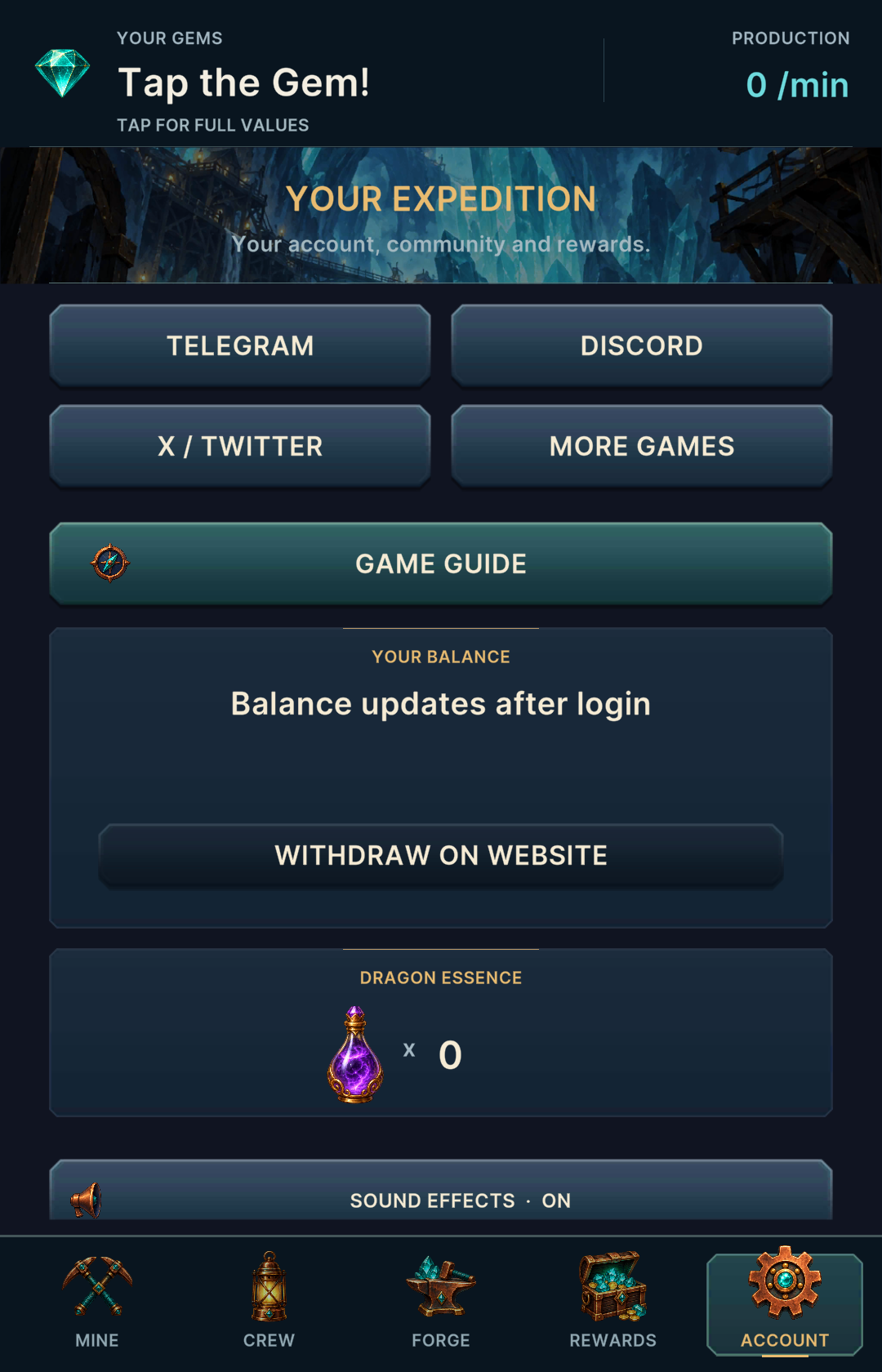
- Balances: view your KEPI and Dragon Essence.
- Withdraw on Website: open Kepithor to manage a KEPI withdrawal. Your mining gems are not a withdrawable currency.
- How to Play: replay the introduction or read the Mining, Crew, Forge, Adverts and Seasons help topics.
- Milestone hints: follow early goals such as hiring a Prospector and upgrading your pickaxe, or switch the hints off.
- Sound and motion: adjust music, sound effects and reduced motion.
- Support: use the community links and Copy Details when you need help with a problem.
Useful Strategy
- Recruit early. Automatic production has more time to earn back its cost near the start of a season.
- Compare purchases. Use Details to weigh a new worker against an upgrade that improves several workers you already own.
- Keep mining while clicks are available. Avoid leaving the click bank full.
- Build advert qualification steadily. Do not leave the requirement until the final hours, when adverts may be unavailable.
- Watch the deadline. Reinvesting helps growth, but late purchases need enough time to earn back their cost before the final gem balance is ranked.