EarnZ
EarnZ Guide: Earn Crowns and Redeem Rewards
Learn how EarnZ works, how to earn Crowns through adverts, surveys and partner activities, and how to redeem your balance for available gift cards.
What Is EarnZ?
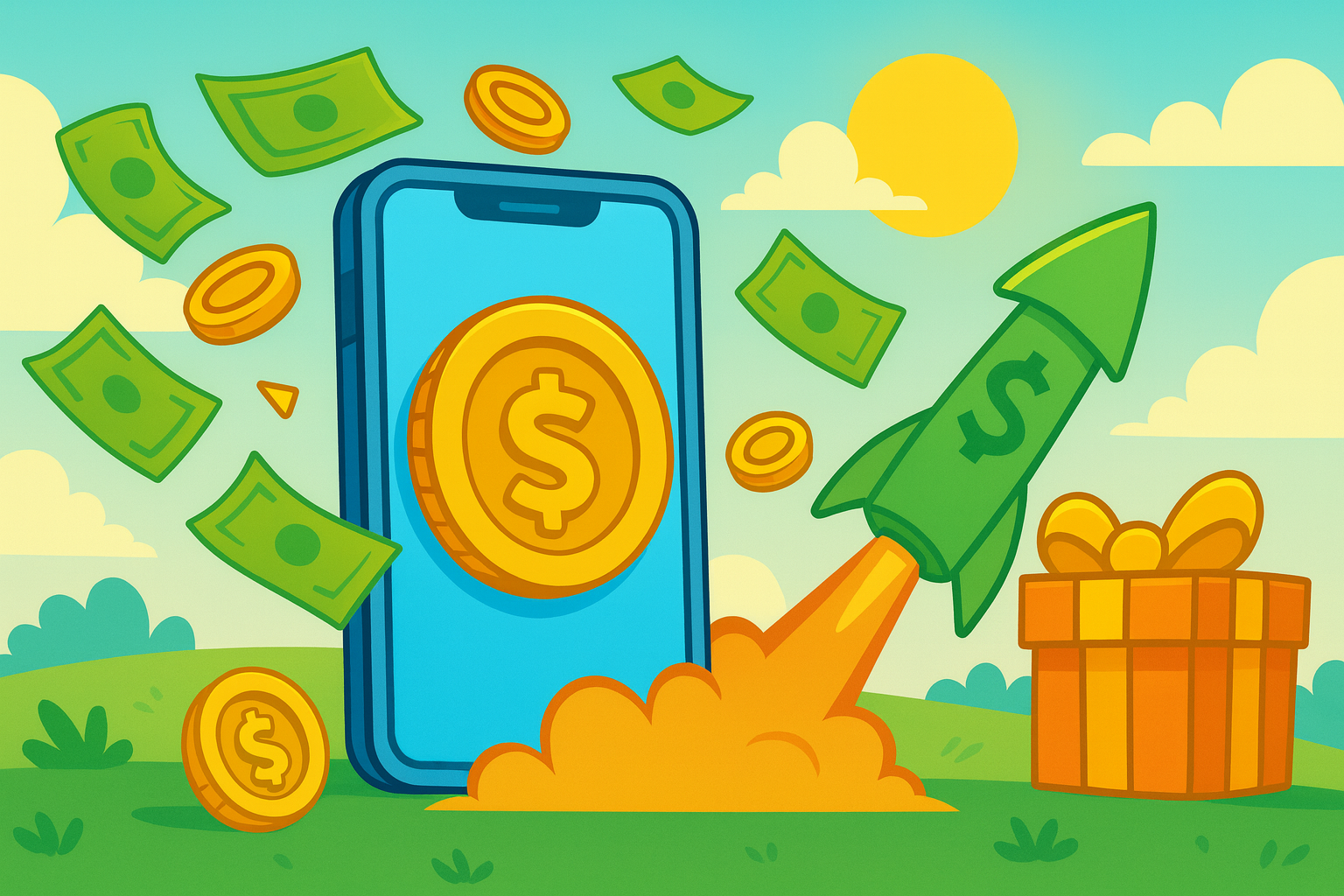
EarnZ is an Android rewards app from Kepithor Studios. It lets you earn Crowns by completing supported activities, then redeem your balance for rewards available in your region.
You do not need cryptocurrency knowledge or a blockchain wallet to get started. Choose an activity inside the app, complete its requirements, and check that the Crowns have been credited to your balance.
How EarnZ Works
- Open EarnZ and choose an available earning activity.
- Read the requirements before starting, especially for surveys, games and partner offers.
- Complete the activity using the same device and account you started with.
- Receive Crowns when the activity is successfully tracked and approved.
- Redeem your balance for an available gift card after reaching that reward's minimum requirement.
Activity availability, Crown rewards and redemption options can vary by country, device and partner. The values displayed inside EarnZ are always the current ones.
Ways to Earn Crowns
Audio and Video Adverts
Play an available advert and allow it to finish. Eligible advert rewards are normally credited after successful completion. Availability depends on the advertising providers serving your device and region, so there may not always be an advert ready.
Surveys
Complete surveys that match your profile. Survey providers may ask screening questions first, and not every user will qualify for every survey. Answer consistently and honestly to reduce tracking or eligibility problems.
Apps, Games and Partner Offers
EarnZ may present activities such as installing an app, trying a game or reaching a specified milestone. Open the activity details before beginning and follow every condition exactly. Starting an offer before selecting it through EarnZ can prevent the partner from attributing it to your account.
Crowns and Reward Crediting
Crowns are EarnZ's in-app reward balance. Each activity shows how many Crowns it can award and any conditions attached to that reward.
- Advert rewards can credit shortly after a completed advert is confirmed.
- Surveys and partner activities may remain pending while the provider verifies completion.
- Some game or app offers are split into milestones, with each milestone credited separately.
- Reward amounts and approval times can differ between providers.
Keep the activity page or offer details until your reward has credited. If something is missing, note the activity name, completion date and relevant evidence before contacting the support route shown in the app.
Redeeming Your Rewards
When you have enough Crowns, open the rewards or withdrawal area and select an available gift card. EarnZ includes global and regional reward options, but the exact catalogue and minimum balance can differ by location.
- Choose the gift card you want.
- Check its Crown cost, currency, region and any retailer restrictions.
- Confirm that your account and delivery information are correct.
- Submit the redemption and follow the delivery instructions provided.
Always verify that a gift card can be used in your country and on your retailer account before redeeming it. Digital rewards are generally difficult to exchange after fulfilment.
Tips for Reliable Tracking
- Read the full activity requirements before starting.
- Start partner offers from inside EarnZ rather than finding the same app separately.
- Do not switch accounts or devices while completing a tracked activity unless its terms allow it.
- Allow requested tracking where it is necessary for an offer and you are comfortable doing so.
- Avoid VPNs, location spoofing or automated interaction; these can invalidate partner rewards.
- Take screenshots of completed high-value milestones until the Crowns appear.
- Check whether a reward is pending before submitting a missing-reward request.
Download EarnZ
EarnZ is available for Android from the Google Play Store.
Install the official Kepithor Studios listing and review the current app information, reward availability and eligibility requirements before participating.